Help center
Everything you need to get started and make the most of your planner.
How to sign in
- Go to app.thechicplanner.com/agenda.
- Tap “Sign in with Google”, or type your email and tap “Sign in with my email”.
- If you chose email, you will get a 6-digit code: type it on screen and you are in. New accounts are created automatically.
- Check your spam folder if the email does not show up in a few minutes.
Your planner tabs
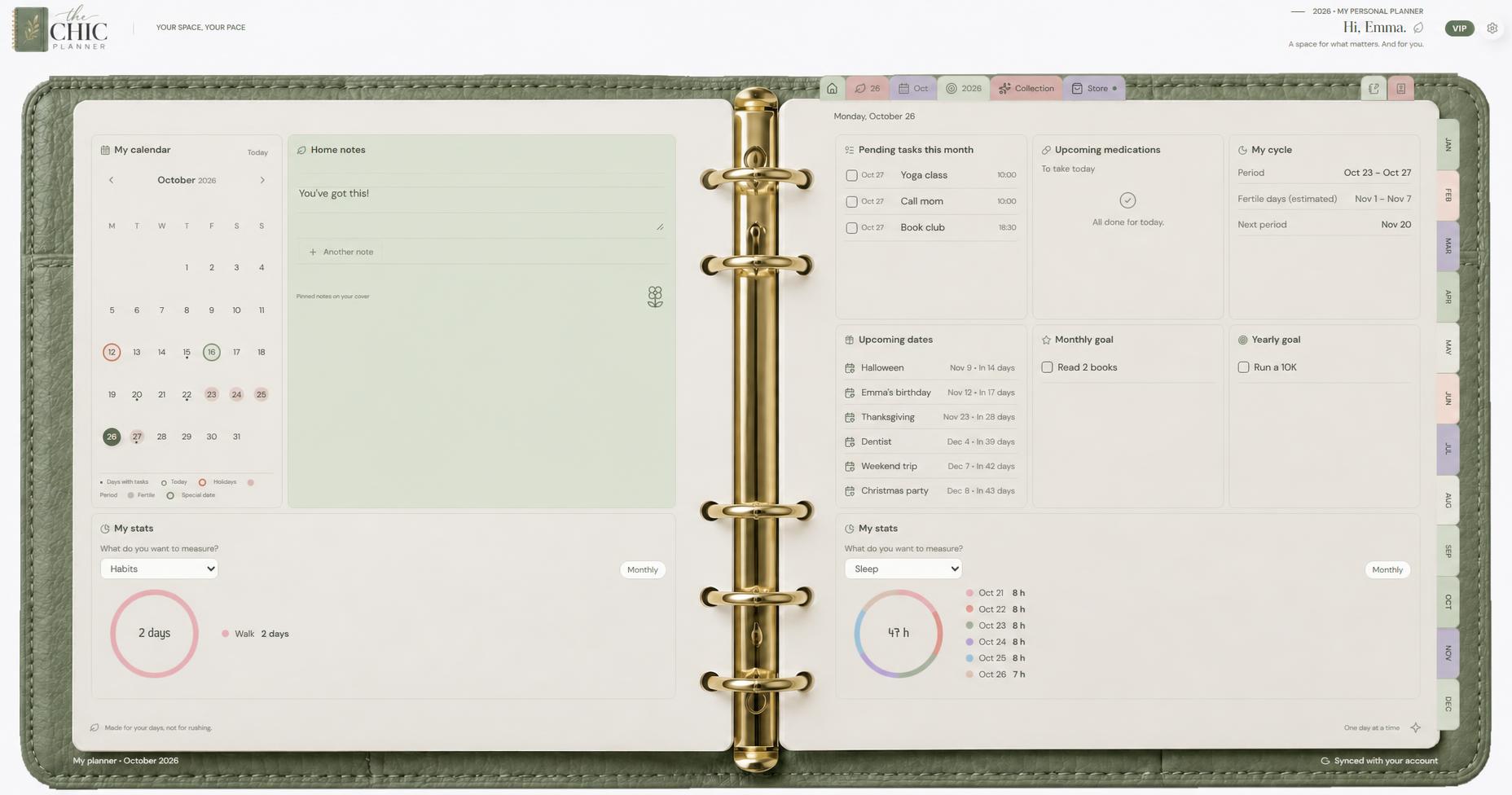
- Home: your overview with calendar, pinned notes and this month’s tasks.
- Day: tasks, self-care, notes and daily modules.
- Week: your days from Monday to Sunday plus your priorities.
- Month and Year: monthly tasks, goals and special dates.
- My collection: stickers, modules and templates you already own.
Tasks and notifications
- Write the task on the “+” line and press Enter.
- Add a time and we remind you then; tasks without a time send no reminder.
- Repeat it daily, on some weekdays or monthly.
- The bell at the top gathers your notifications: opening it marks them read, “Clear all” removes them and tapping one takes you there.
The Week tab
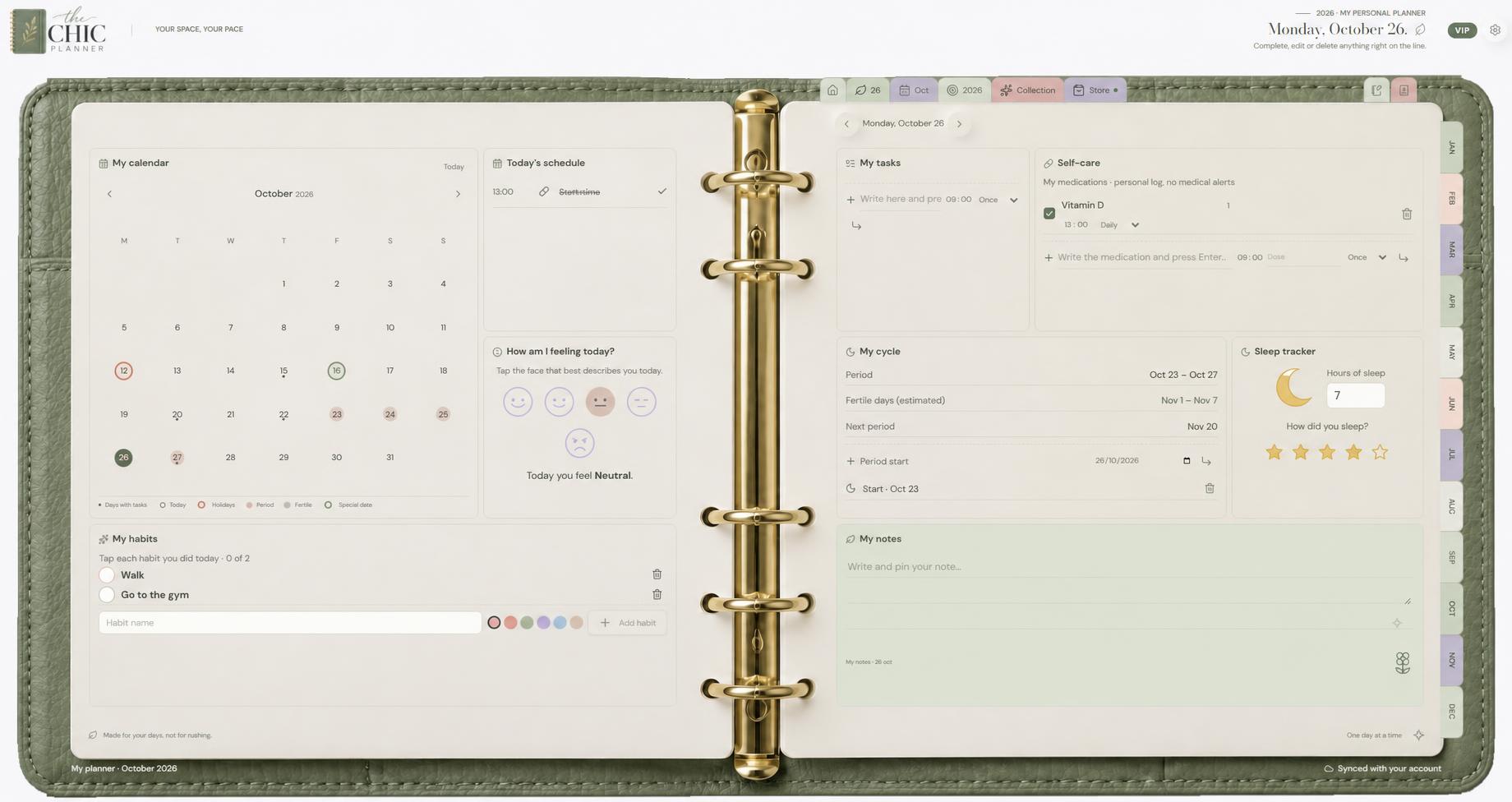
- Tap the calendar-range icon next to Day.
- Monday to Wednesday on the left, Thursday to Sunday on the right.
- Add a quick task to any day; the clock is optional.
- Tick what you did or tap the day to open it in full.
Stickers, modules and designs
- Open “My collection” and tap “Add” on any sticker.
- Move, resize or rotate it and confirm with ✓.
- Press and hold a module to move it or change its size.
- Templates change the design of the whole planner.
Chic Club and purchases
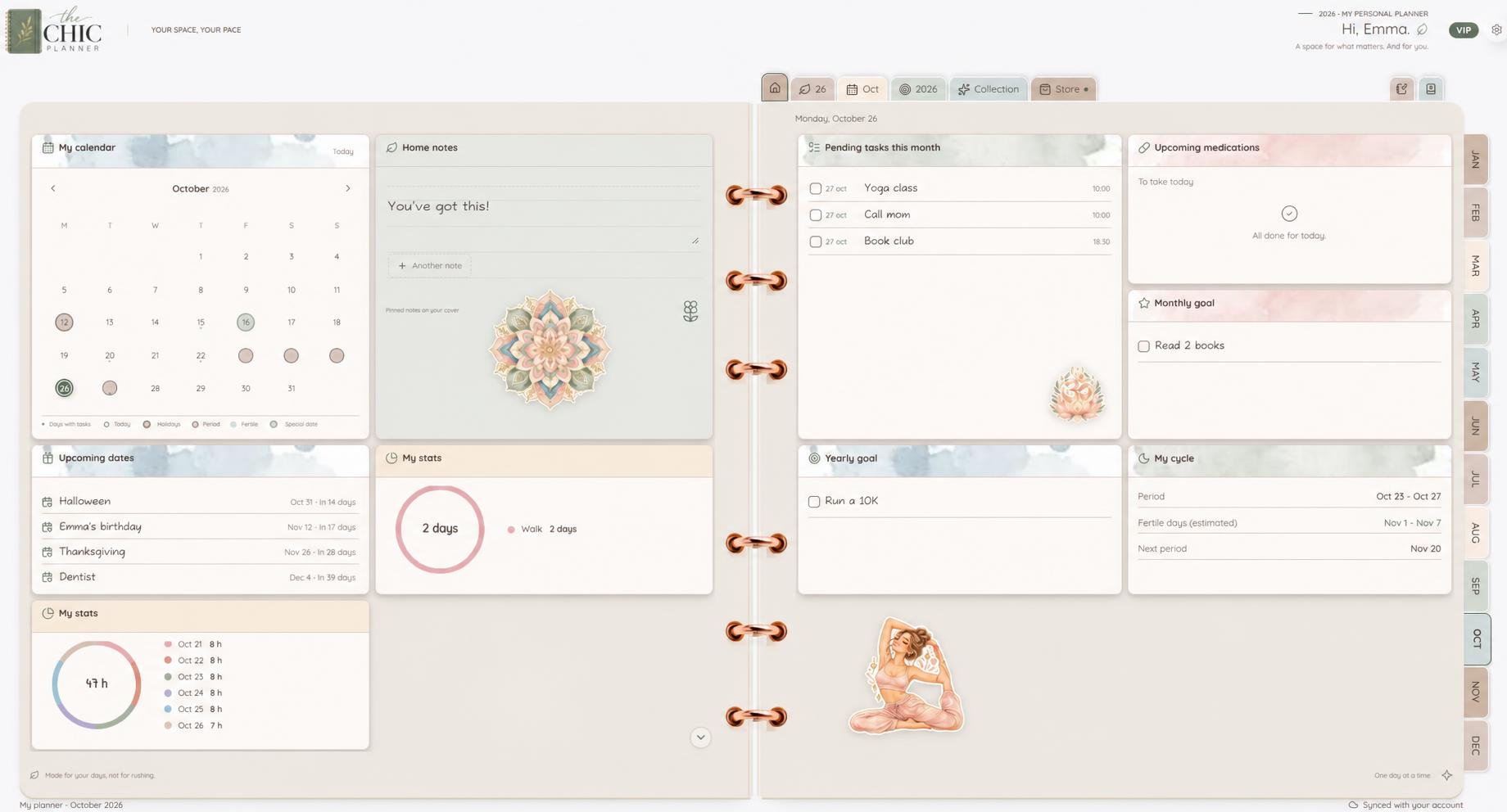
- The free version is complete and ad-free.
- Chic Club unlocks every template, kit, module, notebook and directory.
- Individual purchases are yours forever.
- If you cancel the Club, your data is never deleted: the planner goes back to the free design.
Sync and privacy
- With your account, everything is saved and synced across devices.
- Offline, keep using your planner: it syncs when you are back.
- Your data is private and only you can see it.
Frequently asked questions
Is it free?
Yes, the base planner is free forever and ad-free.
My code does not work?
Use the most recent code; each one works once and expires in a few minutes.
Can I use it on my phone?
Yes, in your browser. Coming soon to Google Play and the App Store.
Where is my account code?
In Settings → General, under “Connected account”. Share it when you contact support.
How do I request a refund?
Email support@thechicplanner.com; terms are in our refund policy.
Contact
Email support@thechicplanner.com or message us on Instagram. We reply in English, Spanish and Italian.